What actually happens when you generate
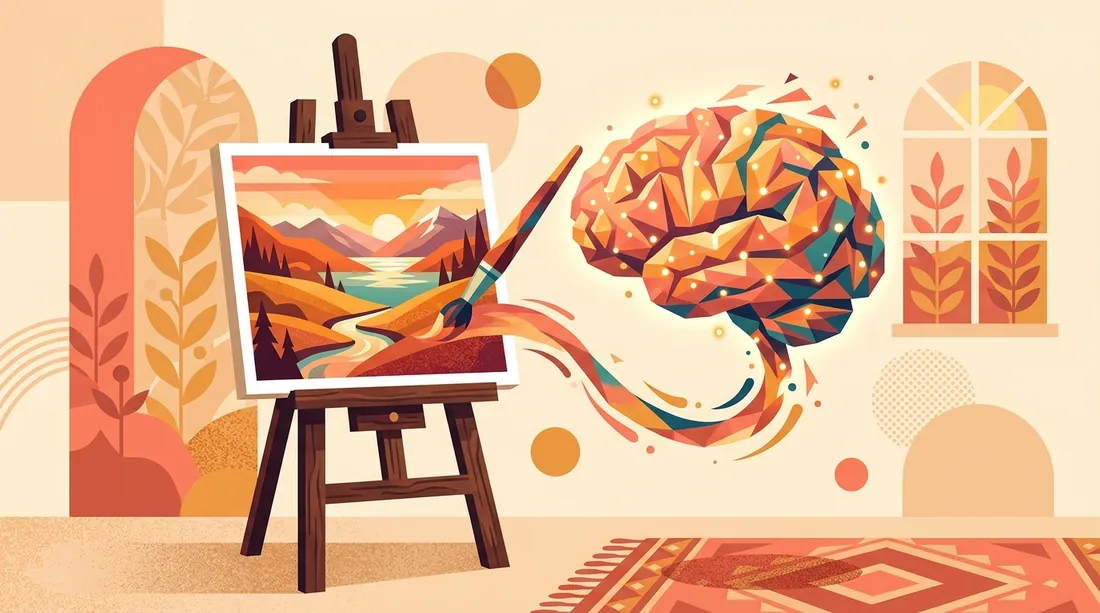
An AI image generator turns a text description into a picture by running a diffusion model: it starts from pure noise and removes it step by step, steering toward an image that matches your words. You do not need the math, but one consequence of it matters enormously: the model can only steer toward what you specify. Vague words produce generic averages of everything the model has ever seen, which is why lazy prompts all look like the same soft, purple-lit nothing. Specific words produce specific pictures. Prompt writing is not a magic skill, it is description done deliberately, and you can get genuinely good at it in an afternoon. The practical way in is a browser tool with no setup: HotIMG builds a free AI image generator into the site, so the model runs on servers, any laptop or phone works, and generating and hosting happen in the same place.
The four part prompt formula
Almost every strong prompt covers four things in one or two plain sentences. State the subject with concrete detail, name a style, describe the lighting, then say how the frame is composed:
| Block | What to specify | Example phrases |
|---|---|---|
| Subject | Who or what, with concrete details | an elderly fisherman mending a blue net |
| Style | Medium or aesthetic | film photograph, watercolor, flat vector, oil painting |
| Lighting | Source, direction and mood | golden hour backlight, soft studio light, neon glow |
| Composition | Framing and viewpoint | close-up portrait, wide shot, low angle, centered |
Assembled, that reads: "An elderly fisherman mending a blue net, film photograph, golden hour backlight, close-up portrait with shallow depth of field." Twenty words like that outperform a hundred word keyword dump, because every word pulls the model in one direction instead of forty directions at once. Add mood, color palette or era details only after the skeleton produces something close to what you imagined, and cut any word you cannot explain the purpose of.
Choose the aspect ratio before you generate
Generators compose within the frame you give them: a wide frame invites landscapes and context, a tall frame invites full-body subjects, a square invites centered symmetry. That makes the ratio a creative decision, not an export setting. Cropping a square image into a banner afterward decapitates the composition, and outpainting to extend an image rarely blends convincingly.
- 1:1 for avatars, profile pictures and feed posts.
- 16:9 for banners, headers, video thumbnails and desktop wallpapers.
- 9:16 for stories, reels and phone wallpapers.
- 4:3 and 3:2 for natural photography looks and blog illustrations.
Decide where the image will live, pick the matching ratio, then check the best image sizes for social media so the final export lands at the right pixel dimensions for each platform as well.
Iterate in small, deliberate steps
First generations are drafts, and treating them that way is the entire skill gap between beginners who quit and beginners who improve. The core habit: change one variable at a time. Keep the prompt fixed and regenerate a few times to sample the model's range. Then swap only the lighting, or only the style, or only the camera angle, and compare against the previous round. If you change five things at once and the image improves, you have learned nothing about which change did it. Generate in small batches of four where the tool allows, pick the strongest, refine again, and expect three to six rounds before an image you would actually publish. That still totals a few minutes, which is the point.
Know when to stop refining, too. If round four looks worse than round two, go back to the round two prompt rather than pushing forward, and if ten rounds have not gotten close, the problem is usually the concept rather than the wording. Reframe the idea, describe the scene a different way, or split a complicated request into a simpler subject the model can actually deliver.
Fixing the classic failures
Some failure modes are so common they have folklore status, and each has a practical workaround. Hands come out with extra fingers because their precise structure punishes small statistical errors: pose subjects with hands in pockets, holding objects or out of frame, or simply regenerate until a clean batch appears. Text inside images arrives garbled for the same reason: never ask the model for lettering, generate a clean image instead and add real text afterward, which is exactly what the meme generator is for when the goal is a caption over a picture. Faces in wide shots melt because they occupy too few pixels: move the camera closer in your composition block or plan on cleanup. None of these are your prompt's fault. They are the current limits of the technology, and routing around them is normal practice. One phrasing habit helps across all of them: describe what you want present instead of what you want absent, because "empty street at dawn" steers the model far more reliably than "street with no people, no cars, no crowds," which mostly reminds it of people, cars and crowds.
From draft to finished image
When a generation wins, finish it properly. Run it through the image upscaler if the output resolution is below what the destination needs, since AI upscaling adds clean detail where plain enlargement adds blur. Then host the result somewhere permanent: a registered HotIMG account stores 25 GB free, keeps images online with no expiry, and gives you a direct link that works in any forum, chat or page. Strong pieces are worth submitting to the members gallery, where a human moderator approves every published image, which keeps the bar high and puts your best work in front of the community rather than an algorithm.
Rights, disclosure and common sense
Three habits keep your AI work out of trouble. First, read the license terms of whatever tool you use before commercial projects, because usage rights differ between services and sometimes between plans. Second, avoid prompting for living artists' signature styles, brand logos or recognizable real people in commercial work, since those areas carry legal and ethical risk that a hobby experiment does not. The copyright basics guide covers the wider picture, including the awkward fact that purely AI-generated images receive limited copyright protection in many countries. Third, disclose AI generation wherever context implies a real photograph, and if your edits involve real people's faces rather than invented ones, read the face swap guide first, because consent rules apply there that no amount of technical quality replaces.