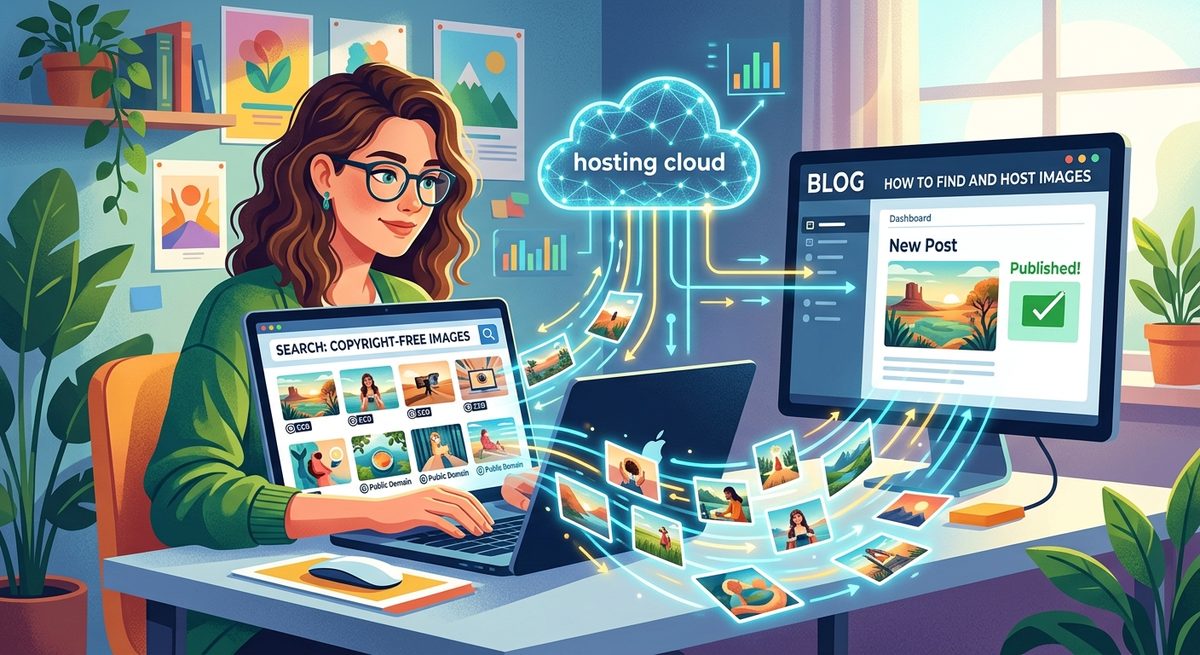
Paying for images can eat into a blog budget faster than most creators expect. One subscription to a major stock library, even a basic plan, can cost as much per month as a full year of domain registration fees. The good news is that the alternatives are genuinely excellent now, and most bloggers never need to hand over a credit card for a single photo.
Your Image Cost Cheat Sheet- Free stock sites like Unsplash and Pexels offer high-quality photos with no fees attached
- AI image generators create original visuals from a plain text description, often at no cost
- Uploading your own photos removes licensing risk entirely and keeps full ownership with you
- Paid stock plans realistically only make sense for specific commercial campaigns or editorial work
- A free hosting platform handles permanent storage, shareable links, and embed codes from one place
What the Major Stock Libraries Charge for Regular Access
Paid image libraries are not shy about their fees. Checking stock photo pricing across major platforms reveals subscription costs ranging from around $29 per month for a basic plan with limited monthly downloads, all the way past $200 per month for high-volume commercial use. Rights-managed images, those licensed for specific campaigns or limited print runs, can carry per-image fees that exceed a full month's subscription on their own.
For a blogger producing several posts a week, those figures mount fast. A modest plan might cover a handful of image downloads per month. Exceed that limit and overage charges kick in, or you upgrade to a pricier tier just to stay operational. That is a recurring cost for something that, in most blogging contexts, has a perfectly functional free equivalent.
This pricing model made sense when the alternatives were thin. It makes much less sense today.
The Hidden Cost Beyond the Monthly Fee
The visible subscription charge is only part of the picture. Most stock sites require that you track where and how each licensed image is used, retain proof of purchase, and revisit those licenses if you repurpose older content. That administrative overhead carries a real time cost, especially for solo bloggers and small teams who have other things to manage.
Image Source Options Compared by Cost and License
| Source | Typical Cost | License Type | Best Fit |
|---|---|---|---|
| Shutterstock | $29 to $249/month | Commercial, restricted reuse | Agency or brand campaigns |
| Getty Images | $175+/month or per image | Rights-managed | Editorial and press use |
| Unsplash / Pexels | Free | Free for commercial use | Blog headers and illustrations |
| AI Image Generator | Free to ~$20/month | User-owned output | Custom and niche visuals |
| Your own photos | Equipment only | Full ownership | Authentic, branded content |
Free Stock Photo Sites That Consistently Deliver Quality
Several platforms now offer hundreds of thousands of photographs completely free for commercial and editorial use. The quality on the best of these rivals what you would find locked behind a paywall. The consistent contributors to these platforms are professional photographers building portfolio exposure, which keeps image standards high.
- Unsplash: Clean, editorial-style photography from a large contributor community. Especially strong for lifestyle, architecture, and technology visuals.
- Pexels: Broad category coverage with a consistent quality floor, plus a video library included at no charge.
- Pixabay: High volume, with illustrations and vector graphics alongside standard photography.
- StockSnap: Curated images with no attribution required, indexed and searchable with clear licensing status on every file.
- Reshot: Smaller collection but highly curated, aimed at authentic-feeling images rather than generic stock aesthetics.
Most of these sites operate under a public domain dedication that removes attribution requirements and commercial restrictions entirely. Images released under a CC Zero public domain waiver carry no legal strings, meaning you can publish them commercially, edit them freely, and use them across as many posts as you like without tracking anything.
AI Generation for Visuals You Cannot Find in Any Library
Free stock sites perform well for lifestyle photography, nature, business scenes, and urban imagery. Where they fall short is specificity. If you need an image that matches an exact mood, a niche concept, or a very particular combination of elements, the chance of finding a perfect match in a free library is low.
That gap is exactly where AI image generation has become genuinely useful for bloggers. Tools built directly into platforms like HotIMG let you type a description and receive a usable, original image in seconds. No license to track, no photographer attribution to manage, and no subscription required on the free tier.
Before committing to any AI image tool, check for these basics:
- No watermark applied to free-tier downloads
- High-resolution output suitable for full-width blog headers
- Clear commercial use permission stated in the terms of service
- Style and aspect ratio controls that go beyond basic prompt input
AI generation does not replace photography for every use case. A food blogger photographing a finished dish still needs a camera. But for abstract headers, concept illustrations, and anything that does not exist as a physical subject to photograph, AI fills the gap cleanly and cheaply.
Why Your Own Camera Is Already a Competitive Asset
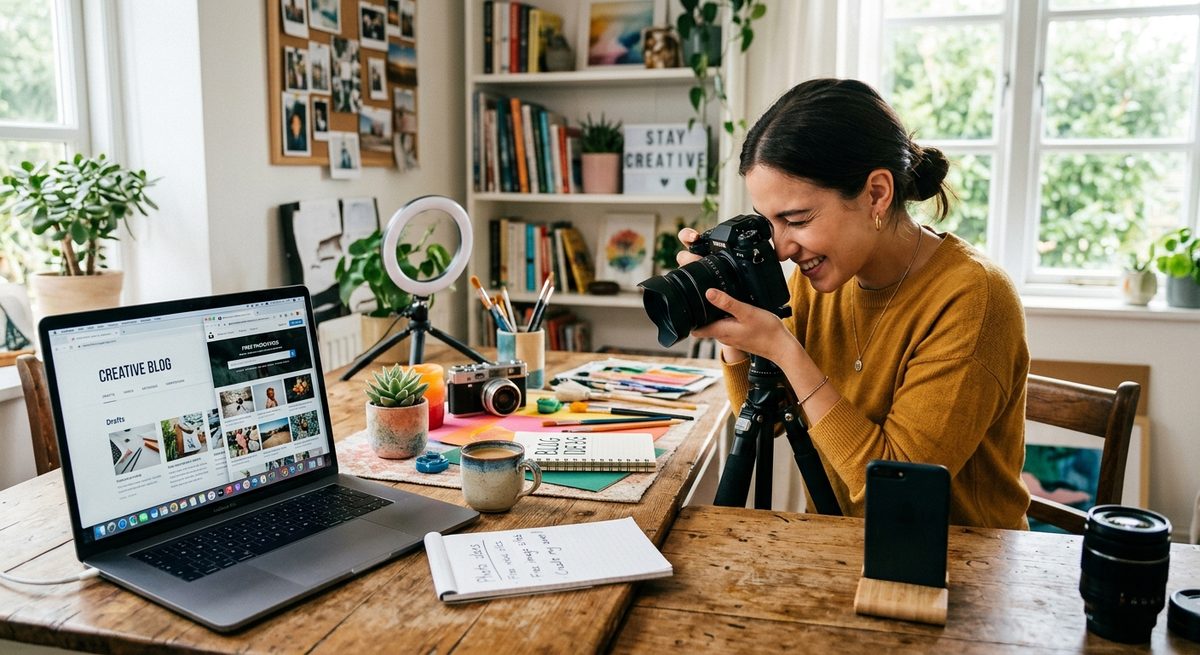
Every photo you take yourself is one you own outright. No fees. No attribution requirements. No risk of a stock provider changing terms and retroactively restricting how older licensed images can be used. For bloggers in food, travel, home improvement, product review, or lifestyle niches, original photography is not just a cost-saving measure. It is a genuine differentiator from sites that all pull from the same stock libraries.
Smartphone cameras in 2026 produce images sharp enough for any web use case. The barrier is not equipment. It is building the habit of capturing images as you work. A blogger reviewing a product already has a subject in front of them. A cooking blogger finishing a recipe has a finished dish ready to photograph. The raw material is already there. Taking the shot is the only step missing.
Original photos also perform differently in search contexts. An image that appears on thousands of other sites as a licensed stock photo cannot distinguish your post. An image that exists only on your blog can.
Building a Zero-Cost Image Workflow From Scratch
Setting up a reliable image pipeline does not require much upfront work. Once the process is in place, sourcing images takes less time than hunting through a stock library for something that almost fits.
- Identify your content types. Know whether your posts typically need abstract mood images, product shots, screenshots, or illustrated headers. Different types call for different sources, so map this out before setting up accounts.
- Create accounts on two or three free stock sites. Having multiple sources means you can cross-reference when one library comes up short on a specific topic or style.
- Add an AI generator to your toolkit. Use it for prompts that free stock cannot cover, not as the first stop. Treat it as the backup that handles niche and custom requests.
- Shoot originals when the subject is already in front of you. Keep the bar low. A decent shot taken now beats a perfect stock image found later, and it costs nothing beyond the time it takes to press the button.
- Host everything in one central location. Upload once, generate shareable links and embed codes, and reuse without re-uploading across different posts or platforms.
- Organize by topic, not by date. A folder structure based on content categories makes it easy to pull older images into new posts, doubling the value of every image you produce.
How HotIMG Removes the Last Point of Friction
Sourcing an image is only half the job. Hosting it reliably, generating the right embed format, and sharing it across platforms without re-uploading is the part that consumes time if your setup is disorganized.
HotIMG handles all of that from a single dashboard. You can upload photos sourced from free stock sites, generate new ones using the built-in AI image tool, and immediately receive direct links, BBCode, HTML embed codes, and markdown-formatted links. Everything stays hosted permanently, which matters for bloggers who have experienced broken image links after a third-party host shut down or changed its free tier terms without notice.
The platform also includes a built-in compressor and resizing tool, so images go out at web-optimized file sizes without any external software step. For someone managing dozens of posts, that single-platform workflow cuts the image process down to a predictable few clicks every time a new post goes live.
Your Blog's Visuals Don't Have to Come With a Monthly Invoice
The argument for expensive stock subscriptions was always built on two pillars: convenience and image quality. Both have weakened considerably. Free platforms have closed the quality gap. AI tools have handled the custom-image use case. And hosting platforms have made the upload-to-publish step fast enough that paying a premium for convenience no longer makes practical sense for most bloggers.
A blogger today can produce well-illustrated posts every week without paying a single image licensing fee. The toolkit exists, it is accessible, and most of it requires nothing more than an email address to get started.
Begin with one free stock account and one AI generator. Host your images somewhere that gives you permanent links and multiple embed formats. From there, the monthly image budget drops to zero, the time spent sourcing stays short, and the only images on your site are ones you actually own or are genuinely free to use.